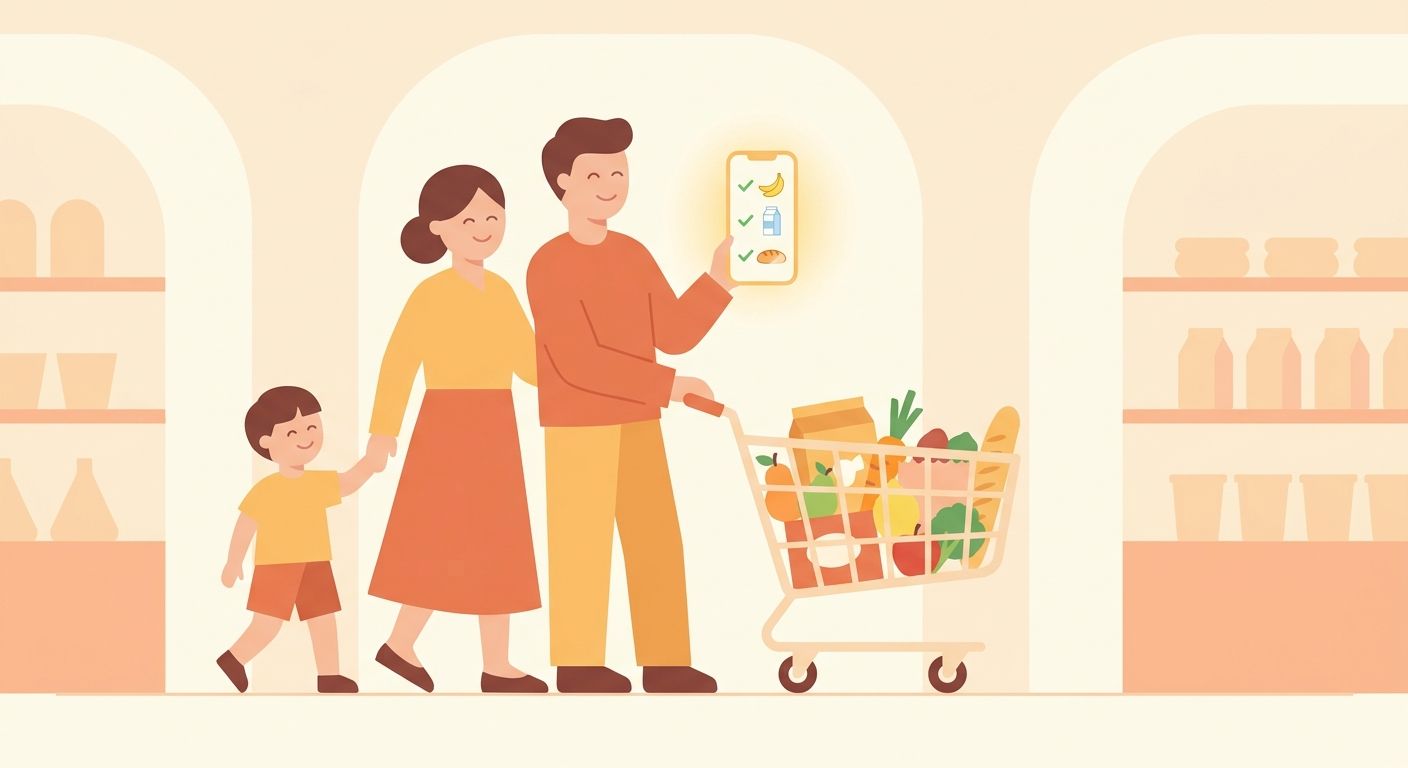
Getting a family grocery list right is trickier than it sounds. One person adds items from the kitchen, another remembers something at work, and by the time everyone's at the store, half the list is missing or duplicated. The right app fixes this — but not every "shared list" app actually works for a household with kids, partners, and different phones.
What actually matters for a family list
Forget the feature lists. For a family, three things matter more than anything else:
- Real-time updates. If someone adds milk from the office, it should appear on the list before they're even off the call — not after a manual sync.
- Zero learning curve. If a 10-year-old or a grandparent can't add an item without help, the app won't survive past week one.
- Works at the store, wifi or not. Grocery stores are notorious dead zones. An app that freezes or loses items without a connection isn't a family app, it's a liability.
Where most apps fall short
Many popular list apps ask every family member to create an account, join a "household," and manage permissions like it's a shared spreadsheet. Others sync fine at home but choke the moment you walk into a store with spotty signal. And a few genuinely lose items — silently — which is worse than not syncing at all.
What a good setup looks like
A family list should behave like a shared piece of paper on the fridge, just faster: anyone can add or check off an item, everyone sees it instantly, and it still works when the connection drops. Carto was built around exactly that — a shared list per household, items sorted by aisle so shopping trips actually go faster, and full offline support so a bad signal at the store never means a lost item.
Whatever app you pick, test it the way your family actually shops: one person offline, one adding items mid-meeting, and a kid tapping through it for the first time. If it survives that, it'll survive the school week.